
 by
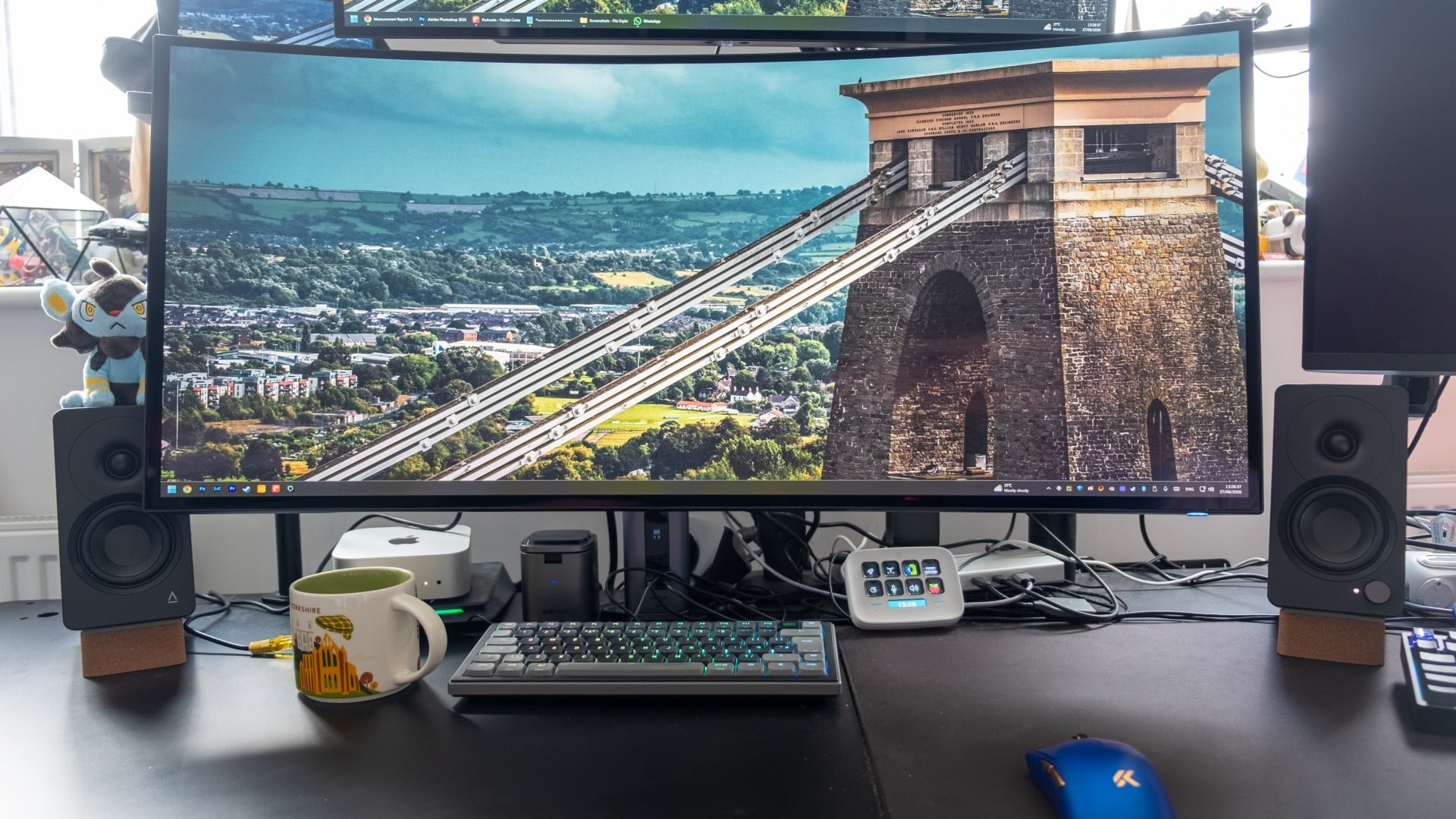
Dell has released new firmware for the Alienware AW3926QW, the 39-inch 5K2K ultrawide OLED we reviewed back in August. The update adds an on/off toggle for CPC, or Convex Power Control, which Dell's menus label "edge dimming". According to Dell, turning it off improves luminance uniformity across the panel.
CPC is an OLED care feature designed to reduce the risk of image retention, and works by dimming the edges of the screen under certain conditions - which can lead to noticeable brightness and colour uniformity variation. The technique is common on OLED monitors, including LG's equivalent 39-inch model. However, manufacturers usually let users disable it, and until now the AW3926QW offered no such control.
That prompted complaints from owners after the monitor's wide release. TFTCentral also flagged the behaviour in its review, though it didn't find the effect overly problematic in general use. In September, Alienware gave TFTCentral a statement:
"We hear the feedback on uniformity and are actively testing a potential toggle that could give customers more control over uniformity. We want to make sure we understand the full customer experience implications before we enable anything."
That toggle has now shipped - and it's also coming to the 16:9 variant, the AW3226Q, in a parallel firmware release. Image retention and warranty cover were among the likely concerns behind Alienware's caution. On the warranty side, Dell told us that switching edge dimming off does not affect either monitor's three-year OLED warranty, which includes burn-in coverage.
Enabling the new option takes two steps:
- Download and install the latest firmware from Dell's support site - version M2B103 for the AW3926QW or M3B103 for the AW3226Q.
- In the on-screen display, go to Others > OLED Panel Maintenance > Edge-Dimming, and set it to Off.
As a reminder, the AW3926QW combines a 5120x2160 resolution and 165Hz refresh rate with a fourth-generation RGB stripe tandem W-OLED panel. It has a gentle 1500R curve and is rated at 1300 nits peak HDR brightness. It impressed us with excellent out-of-the-box colour accuracy, much improved text rendering versus prior-gen OLED panels and a polished OSD. Connectivity includes HDMI 2.1, DisplayPort 2.1 (UHBR 20), 90W USB-C and a built-in KVM. It's priced at $1100/£1000.
Brightness uniformity was the one weak spot in our original testing, with up to a 28 variation between the centre and the corners. We re-ran the full Spyder test suite with the new firmware installed, first with edge dimming enabled (as it is by default) and second with edge dimming disabled. The uniformity portion of the test measures brightness at nine points across the screen, at four brightness levels from 100 percent down to 50 percent.
At full brightness, the dimmest part of the screen, the bottom-right corner, was 24 percent darker than the centre with edge dimming on, while it was 23 percent darker with it off - so not much of a difference. The lower brightness levels followed the same pattern, with differences of a percent or so. In general, this is more likely to be run-to-run variance rather than an improvement due to the firmware.
We also checked whether colours shift towards the edges of the screen, which can show up as a faint pink or green tint in the corners. Here too there was little difference. Colour consistency was good in both modes: the corners were only very slightly off from the centre, around the point where most people would struggle to see any difference. Switching edge dimming off nudged the results very slightly in the right direction, but not by enough to notice.
So why didn't the toggle make a measurable difference? The likeliest answer is that the Spyder test doesn't trigger edge dimming in the first place. TFTCentral notes that the feature only activates under certain conditions, and because it exists to prevent image retention, it most likely responds to static content left on screen over longer periods.
That leaves us with two conclusions. First, the brightness and colour uniformity deviations are largely dependent on the underlying panel, not from edge dimming. Second, the toggle should still help in everyday use with static content, such as desktop work or games with fixed HUD elements. Just bear in mind that edge dimming exists to protect the panel, so even if it doesn't affect the warranty period, it's worth keeping the setting enabled unless you have a specific reason to not use it.
Either way, it's good to see Alienware respond to owner feedback and give users the choice.


Comments 1
That's nice, but as these are sold out well into next year it's a bit of a moot point for most sadly.
Show Comments
Leave A Comment
Hold on there, you need to login to post a comment...