
 by
by 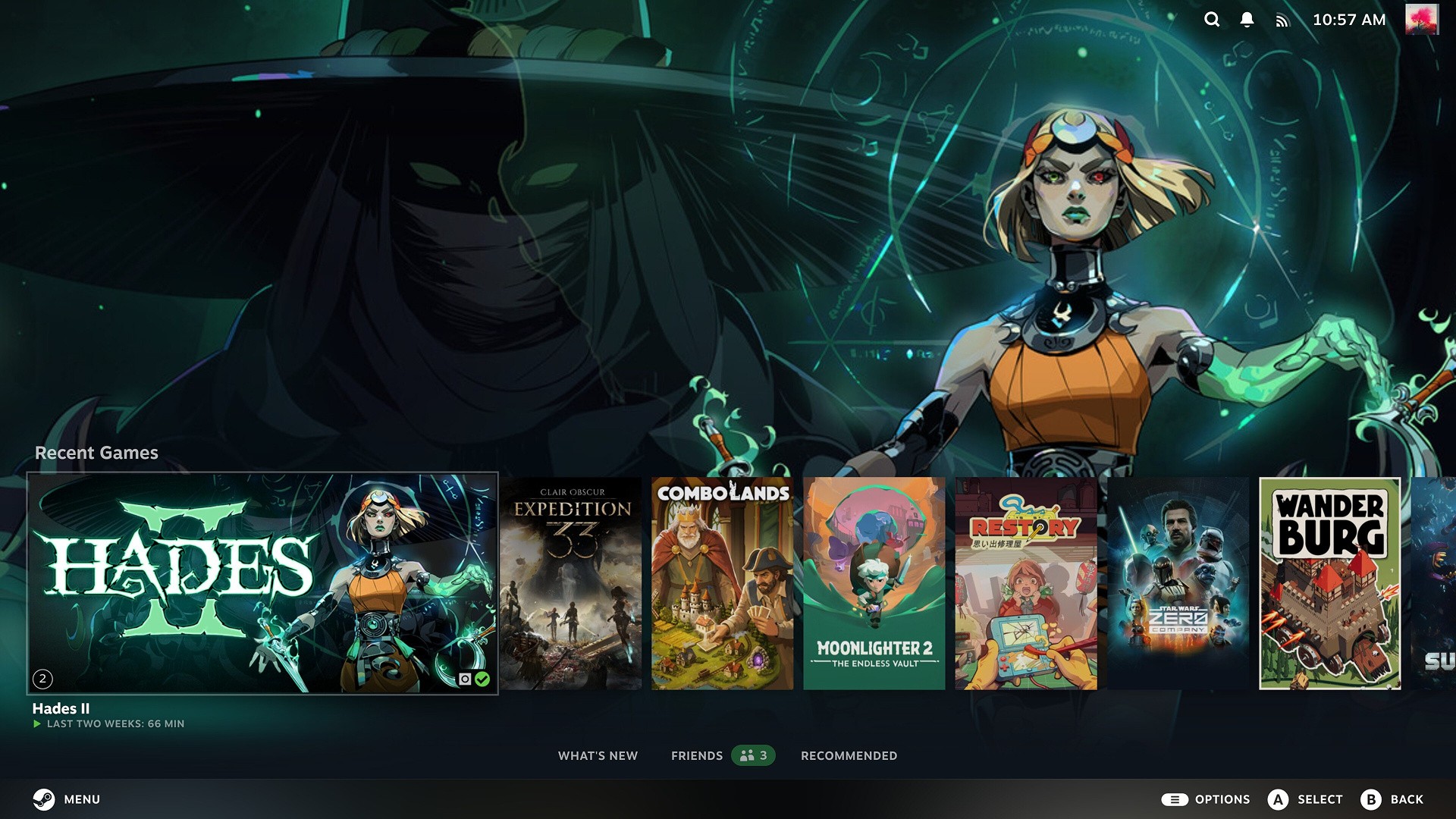
Valve has released a new Steam Client beta with some interesting new features, most notably a "Big Art Mode" and a screensaver function when using the handheld/TV-focused Big Picture Mode.
The Big Art mode seems to be inspired from a similar feature in the Decky Loader third-party utility, which replaces the standard side-by-side arrangement with one that dedicates much of the viewport to the art for a selected game, with additional games appearing in a smaller size towards the bottom of the screen.
The screensaver option works along similar lines, showing off that big art or your recent game screenshots in full screen when Steam has been idle for a set amount of time. Additionally, custom screensavers can be copied to a specific directory, with a bouncing logo screensaver provided by Valve as an example.
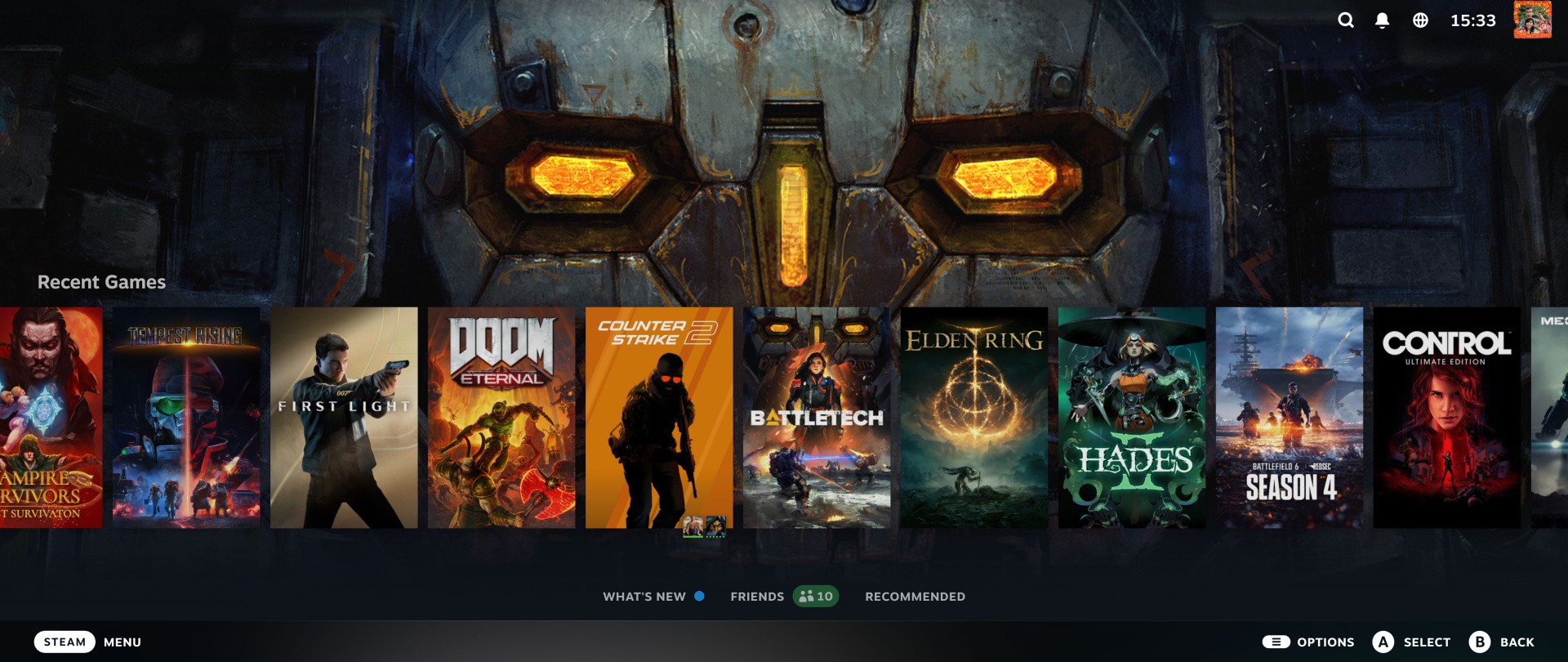
To install the Steam beta, select "Beta" in the Steam client update channel area in Steam's system settings, download the update, and restart the Steam client. Once installed, you can select the new view mode in Settings > Home, and the screensaver option in Settings > Customisation.
Other changes in the new beta include improved startup performance, better optimised game recording for some DX12 games and fixes for frame-rate hitches when taking screenshots in Windows while running DX11 and DX12 games, amongst other improvements.
What do you make of the new features? Let me know in the comments below.
[source steamcommunity.com]


Comments 6
10GB is probably a typo, the update was around 100MB
I'm stoked to see the screenshot fix, didn't realize it was specifically with DX games; the phrase "frame-rate hitches" totally undersells the situation, which was more like "full game logic freeze for multiple seconds, one or two seconds after initiating the screenshot," if my experience was average
@JiRo Weirdly, I swear it said 10GB for me! Just checking now to see if I can recreate it...
@wsjudd Will got the UE5 version of Steam, it has to redownload the monolithic archive instead of just the diff
@TheBrainninja Haha. There's also apparently a bug in Steam where it sometimes shows the full size rather than the download size, but I could just be misreading a number off a screen tbf!
Really glad to see they’re chipping away at making SteamOS on the machine align more closely with a home console experience. Another feature I’m stoked about in this update is having your TV switch to the machine input when you press the steam button on the controller. This is HUGE for me, as my Apple TV and my steam machine have been playing CEC tug of war. At least now I can prompt to to switch back if the Apple TV switches the input on me.
Show Comments
Leave A Comment
Hold on there, you need to login to post a comment...