
 by
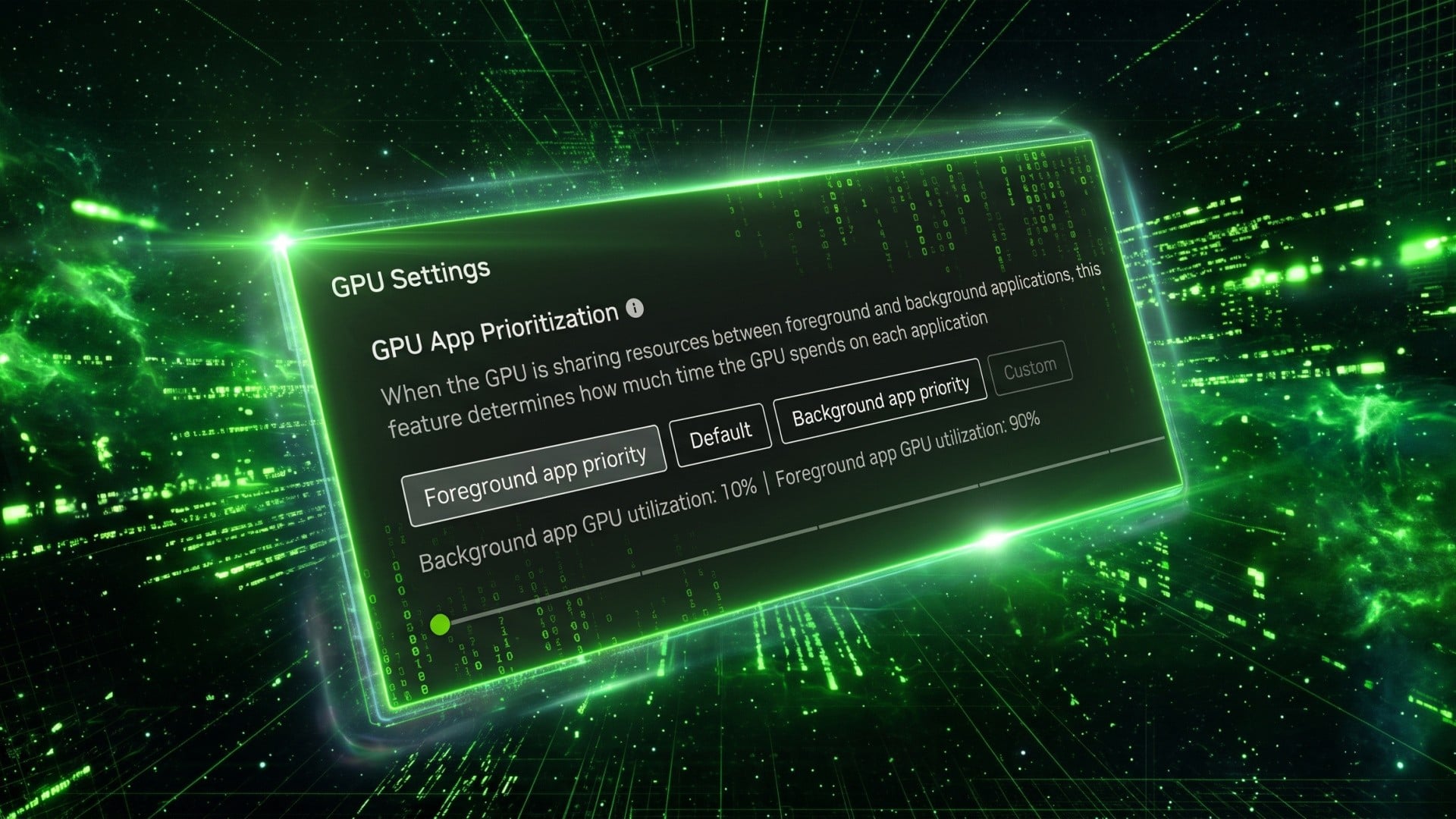
After first debuting on its RTX Spark systems, Nvidia has added a new "GPU app prioritisation" control to its self-titled app.
The feature, which is available for some RTX GPU owners following the most recent 11.0.9.585 update, is found in System > Advanced and offers the ability to limit the maximum amount of GPU performance that can be sucked down by background applications.
The default appears to be a 80/20 percent split, with the larger number allocated to foreground applications like games, and the smaller number permitted for background processes like AI agents, video recording, audio processing, browser acceleration and so on. A slider allows you to set this to "foreground app priority" to change the split to 90/10 or custom to choose your own split.
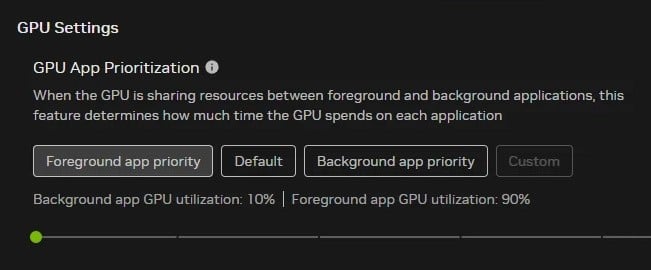
Weirdly, the feature isn't mentioned in the app's patch notes, nor is it available universally - I just installed the latest version on my RTX 4090 system and it's not showing for me, but Redditors who first spotted the addition seem to be running RTX 50-series hardware in most cases. For example, Redditor u/Warkratos, who first posted screenshots of the feature, is using an RTX 5060.
It'll be interesting to see if the new feature allows more performance in mixed usage situations, as it could be quite useful as agentic AI becomes more commonplace - and more apps start to use GPU acceleration for other tasks.
Does the new feature appear for you? Let me know in the comments below, and perhaps we can nail this thing down.