
 by
by 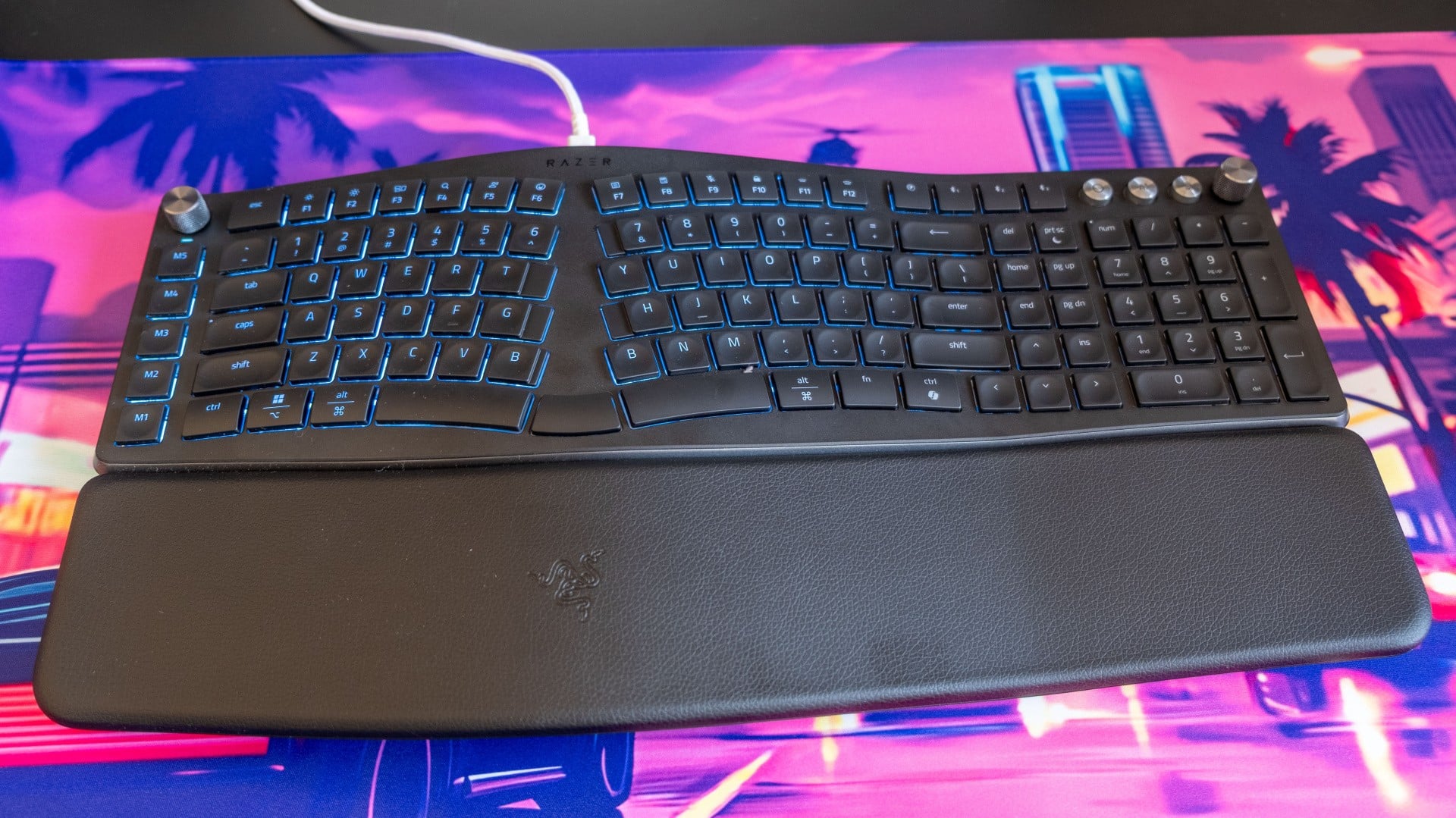
The unlikely combination of an ergonomic office keyboard with RGB lighting, the Razer Pro Type Ergo does do one thing absolutely right: it has two B keys. That sounds a bit stupid, but it genuinely transforms this split design into one that I can type on at full speed, instead of running headfirst into a brick wall whenever I have to convince my left hand to write a B instead of my right hand.
The rest of this curved keyboard is a little odd. While Razer is best known for its mechanical keyboards, this one comes with more office-standard scissor switches, mirroring the short travel distance of a laptop keyboard. Many keys are also a different size than usual, with exceptionally wide G, T, H and 7 keys designed to offer a more generous landing area towards the centre of the board - though the circular indents in each keycap mean that you can't use the extra width effectively.
The design is also both compact, with a rearranged navigation cluster to allow arrow keys to fit, and extra-wide, with a row of macro keys on the left side and not one but two knobs on the top corners. It takes a bit of getting used to, is what I'm saying, though I can see the utility for that rare breed of office worker that wants an RGB board. I do like the 10-degree slope in the centre of the board, which permits a more comfortable typing position, and the inclusion of both forwards and backwards-tilting feet to further improve your hand position.
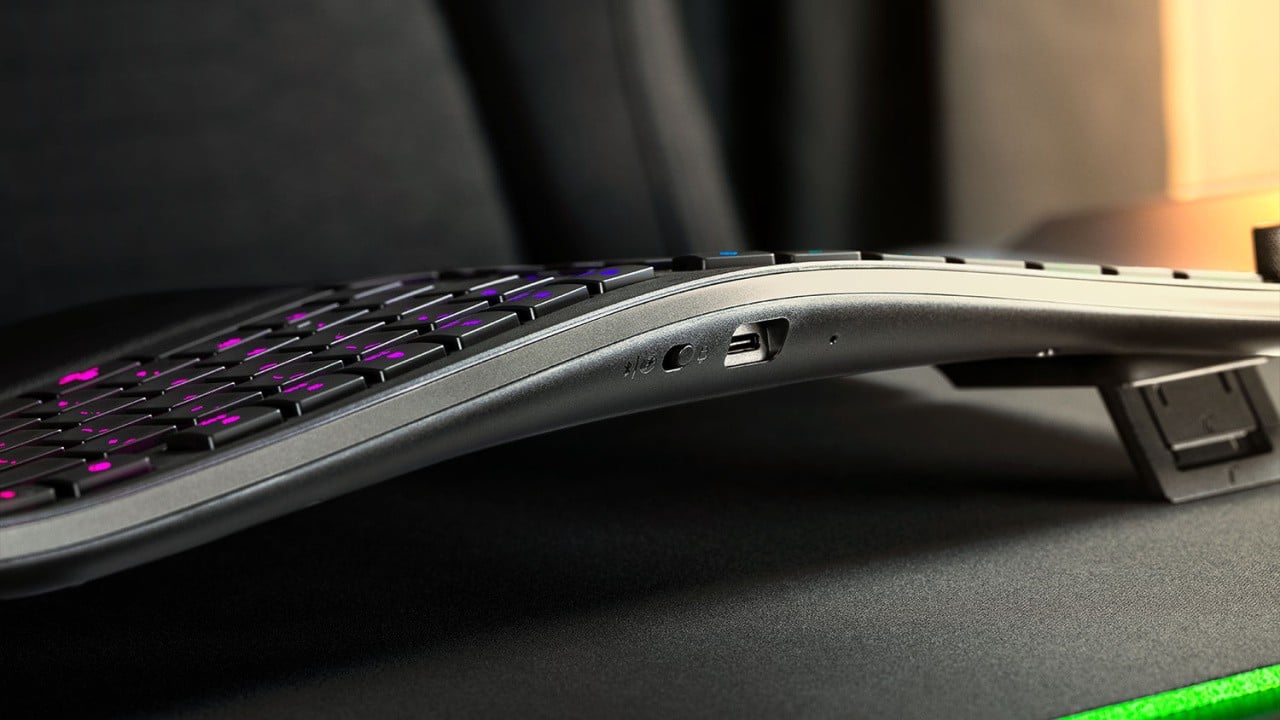
I don't bemoan anyone that prefers scissor switches, but for me the ergonomic benefits of a split and curved keyboard aren't enough to justify the lack of tactile feedback and full distance travel that I'd expect from even a low profile mechanical keyboard. This just doesn't feel as good to type on, is less repairable, and misses out on the fun customisation that mechanical keys unlock. Still, n-key rollover is nice to see on a non-mechanical board, meaning each key can be pressed and recognised simultaneously.
At $190 in the US or £179 in the UK, the Pro Type Ergo is simply too expensive to recommend. Sure, it's wireless, it's got RGB, it's from a big name in Razer and it has some interesting ideas, but you could get a Keychron Q10 for $100 or a Royal Kludge A72 for £76 and have a much better typing experience for considerably less.
Have you investigated the world of ergonomic keyboards? What did you settle on - or what are you considering? Let me know in the comments below.
Review unit provided by Razer.