A massive critical and sales success, The Witcher 3 is a phenomenal piece of engineering - a technological accomplishment clearly built with the limitations of current-gen console in mind, but scaling beautifully on all manner of PC hardware. In producing our recent Face-Off, we saw that a relatively modest budget PC could match and in some cases exceed both PS4 and Xbox One performance at the same visual quality, but we wanted to go further - pushing those quality presets across a range of PC hardware.
On top of that, we wondered what it would take to run the game at 1080p resolution with a firm 60fps. 1920x1080 is by far the most popular PC gaming monitor resolution, and the vast majority of those displays update at 60Hz. Typically, when gameplay matches your display's resolution and refresh, you get the most visually pleasing experience. Effectively doubling console performance without trading on the visual quality is something of a challenge and while it can be done, a completely locked 60fps may prove too much for the most popular, mainstream £150 graphics cards.
The official Witcher 3 system requirements are pretty steep: the minimum is a Core i5 2500K, 6GB of RAM and a GTX 660 or Radeon HD 7870, while the recommended spec sees a jump to an i7 3770, GTX 770 or Radeon R9 290 and 8GB of RAM. Our minimum spec is a Core i3 4130/FX 6300 with GTX 750 Ti - much, much lower, but you get a PS4-level experience using the settings in this guide. However, our recommended spec would be a Core i7 4790K with a GTX 970. This will get you to 1080p60 with some visual enhancements over console, or alternatively, to really scale up the bling but keep your frame-rate above 30fps. In all cases, we recommend 8GB of RAM.
The Witcher 3 is relatively light on CPU for most of its duration, but scales immensely according to the GPU power you have available. That said, the game's background streaming tech is very efficient on resources: it is relatively frugal with VRAM - at 1080p, even with everything maxed, a 2GB graphics card is enough to get the job done.
The Witcher 3 is game of two halves when it comes to CPU utilisation. During engine-driven cut-scenes and open world gameplay, it is relatively light on resources, but once you enter towns and cities, the additional streaming, animation and AI can push CPU utilisation to its limit - depending on your GPU. We've seen an Intel Core i7 4790K overclocked to 4.6GHz hit 80 per cent utilisation across all threads - but we did need to use Nvidia's Titan X graphics card to remove the GPU bottleneck. It's more than likely that the graphics hardware will be the limiting factor here, but reducing the amount of background characters should also reduce the CPU load if you notice uncharacteristic stutter.
What is worth pointing out is that CD Projekt Red's CPU usage is quite remarkable. Usually we see one or two main threads overseeing most of the processing, hiving off tasks to other threads, which have much lower utilisation. Not so with The Witcher 3: whether we're running on Intel or AMD CPUs, we're seeing something very close to level utilisation across all cores. This is fundamentally good news for AMD - while the Core i3 and i5 we tested tend to outperform the FX 6300 and FX 8350, AMD is much more competitive in CPU-intensive areas. The six core FX 6300 outperforms the i3 here, while the FX 8350 holds its own against the more expensive Core i5 4690K.
To illustrate, here's our first benchmark sequence, featuring six CPUs paired with the Titan X to remove graphics as a bottleneck as much as possible. You'll see that in the engine-driven cut-scenes, it doesn't really matter which CPU you use - performance is extremely close. But as we take a trip through Novigrad City, it's an entirely different story. This is the area of most interest as a stress test for your processor.
Starting from scratch: console-level settings
Consoles are not so different from PCs these days - in fact, the core processor in Xbox One and PS4 is based on PC technology. We start our PC analyses by comparing the effects of each PC quality preset to the console equivalent. The developers know best when it comes to getting the best bang for their buck from a resource-constrained piece of hardware and that experience should translate well across to PC tech too. We can then use these settings as the base for further experimentation, scaling up on more powerful hardware.
Console-equivalent settings also gives us an excellent basis for settings selection on entry-level enthusiast graphics cards like the Radeon R7 260X and the GeForce GTX 750 Ti.
Resolution: 1920x1080
Nvidia HairWorks: Off
Number of Background Characters: Low
Shadow Quality: Medium
Terrain Quality: Medium
Water Quality: High
Grass Density: Medium
Texture Quality: High (all GPUs tested here support ultra though so choose that)
Foliage Visibility Range: Medium
Detail Level: Medium
Ambient Occlusion: SSAO
All post-process effects on, except vignetting
1920x1080, Ultra Settings, No HairWorks, Titan X GPU
Click on the links above to buy these CPUs from Amazon with free shipping.
The best £100 / $150 graphics card for The Witcher 3: GTX 750 Ti
Time after time, in game after game, two entry-level enthusiast graphics cards have proved their worth in supplying ballpark PlayStation 4-level visual quality and performance: AMD's Radeon R7 260X and Nvidia's GTX 750 Ti. Both of them have the mandatory minimum 2GB of VRAM, while the price vs performance ratio here is extraordinary - particularly in the case of the 260X, which is often found on sale for as little as £80.
For our tests with The Witcher 3, we worked through each visual setting in the PC game, aiming to achieve as close a match with the PlayStation 4 version as we could. After that, we ran through our benchmark sequence using two different CPUs - the Core i3 4130 and the Core i7 4790K. The idea is relatively straightforward: with the faster quad-core chip, we get to see how these graphics cards perform at their absolute best. When paired with the i3 though, we see a slightly different picture - GPU performance in combination with a more price-appropriate processor.
The results here are fascinating: AMD's Radeon R7 260X is the better, slightly faster, and cheaper card. However, owing to the less efficient driver, the card performs under-par when combined with a budget CPU. This is most noticeable in the third segment of the benching sequence, where we see noticeable stutter. Meanwhile, performance between i3 and i7 when paired with the GTX 750 Ti sees no material difference. This strongly suggests that the Nvidia card will provide the best overall sustained performance throughout the game.
Click on the links above to buy these graphics cards from Amazon with free shipping.
The best £150 / $250 graphics card for The Witcher 3: GTX 960 2GB
Mid-range enthusiast PCs: recommended settings
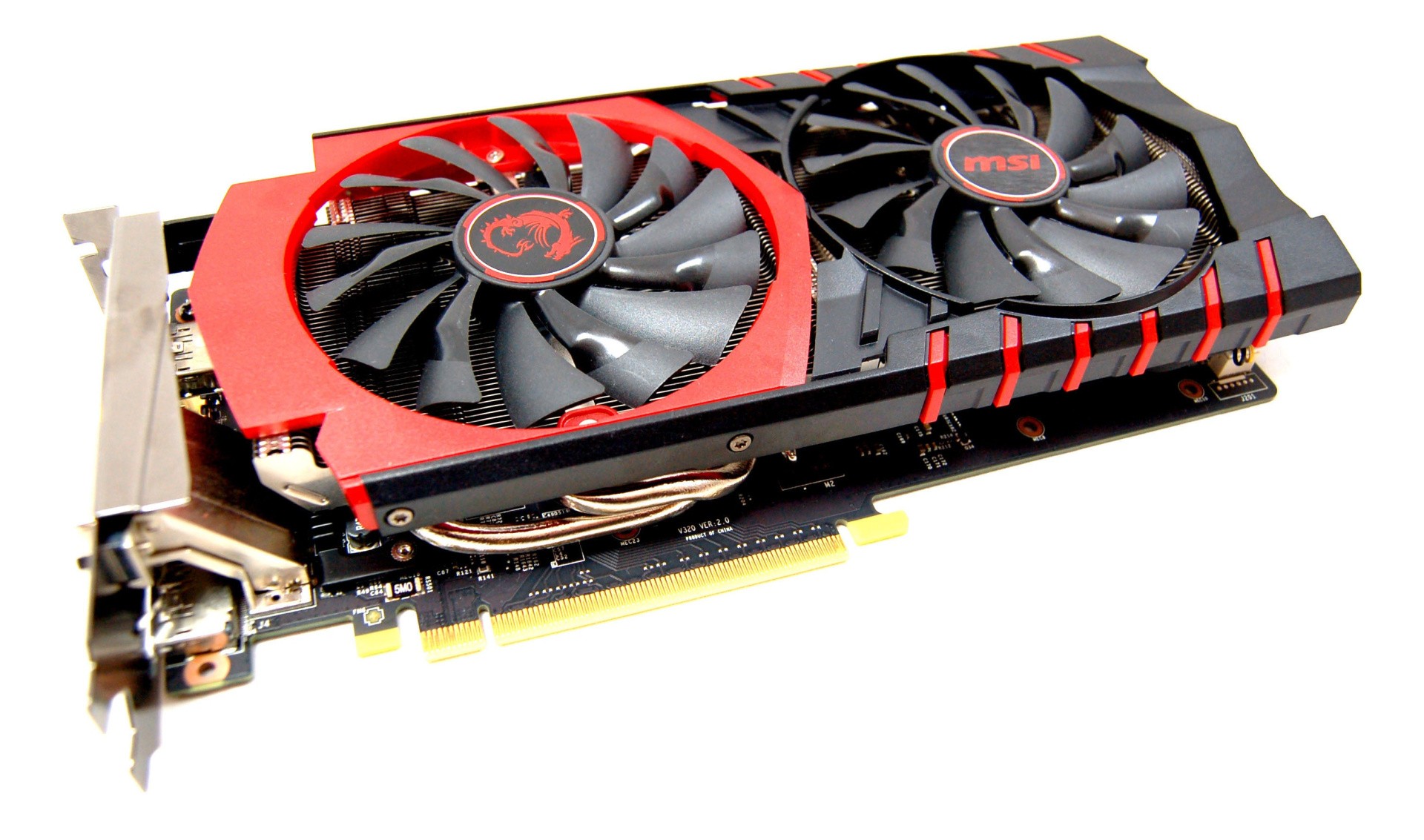
Assuming you're running an i5 or i7 processor, or something like an AMD FX 8350, combined with a card in the £150/$250 graphics card sector, The Witcher 3 leaves you in something of a No Man's Land. Using console-equivalent settings as a base, we could achieve 1080p60 gameplay through much of The Witcher 3 using an MSI GTX 960 2G OC overclocked with 160MHz to the core, and an extra 400MHz to the RAM. But this still left us at around 50-55fps in busy towns. Close, but just about good enough. None of the mainstream cards hit 60fps without pulling down presets significantly.
In testing these cards, we quickly realised that chasing a consistent 60fps is a real challenge - but we did find that you could push quality settings to ultra (with HairWorks disabled, of course) and turn on all post-processing effects, while using the 30fps cap to hit a consistent frame-rate with a genuine image quality advantage over the console versions. HBAO+ fits into the render budget here, offering a distinct improvement over SSAO, or no ambient occlusion at all.
Riva Tuner Statistics Server - a part of MSI Afterburner - has a frame-rate limiter that achieves more consistent frame-pacing than the game's in built 30fps cap.
The £150/$250 GPU market sector is one of the most fiercely contested of all. Typically, graphics cards in this area should guarantee you excellent 1080p performance on high settings - though we recommend steering well clear of any multi-sampling anti-aliasing (MSAA). The Witcher 3 has its own post-process AA solution, with no MSAA option available anyway.
What's curious about this range of GPUs is that AMD has two contenders - the R9 280 3GB and the R9 285 2GB. On top of that, it has the slightly more expensive R9 280X 3GB as well. Nvidia has just one competitor in this most important of markets, the 2GB GTX 960 - a card that we described in our review as "good but not great", and lacking in VRAM. Our general recommendation for PC gamers looking to buy in this market sector is to check out the R9 280 3GB. While it has a computational deficit compared to the GTX 960, that extra 1GB of VRAM is hugely important in the current market, where the PS4 and Xbox One - which have no shortage of memory - drive game development.
However, with The Witcher 3 specifically in mind, the GTX 960's VRAM limitation is not an issue - even with ultra-level textures - and its performance is simply blistering. It's faster than the AMD competition and doesn't suffer from the latency spikes we see in frame-time during the second and third sequences in our benchmarks. The GTX 960's immense overclocking is also worthy of comment - we saw boost frequencies in excess of 1.5GHz and it hit 50-55fps+ at 1080p on console-equivalent settings, mostly handing in the locked 1080p60 we were looking for during gameplay.
There are rumours of a GTX 960 Ti in the pipeline - essentially a cut-down version of the GTX 970 and very similar in terms of spec to the laptop GTX 980M (compared with desktop GPUs here), with 3GB of VRAM. It would be an excellent sub-£200 card for 1080p60 Witcher 3 gameplay, but alas we shouldn't expect it any time soon. On the plus side - if you own a laptop with the 980M (or indeed a desktop GTX 780, which has a very similar performance level), it should be happy days - just use our console settings, enjoy 60fps+ gameplay, and tweak upwards from there.
Click on the links above to buy these graphics cards from Amazon from free shipping.
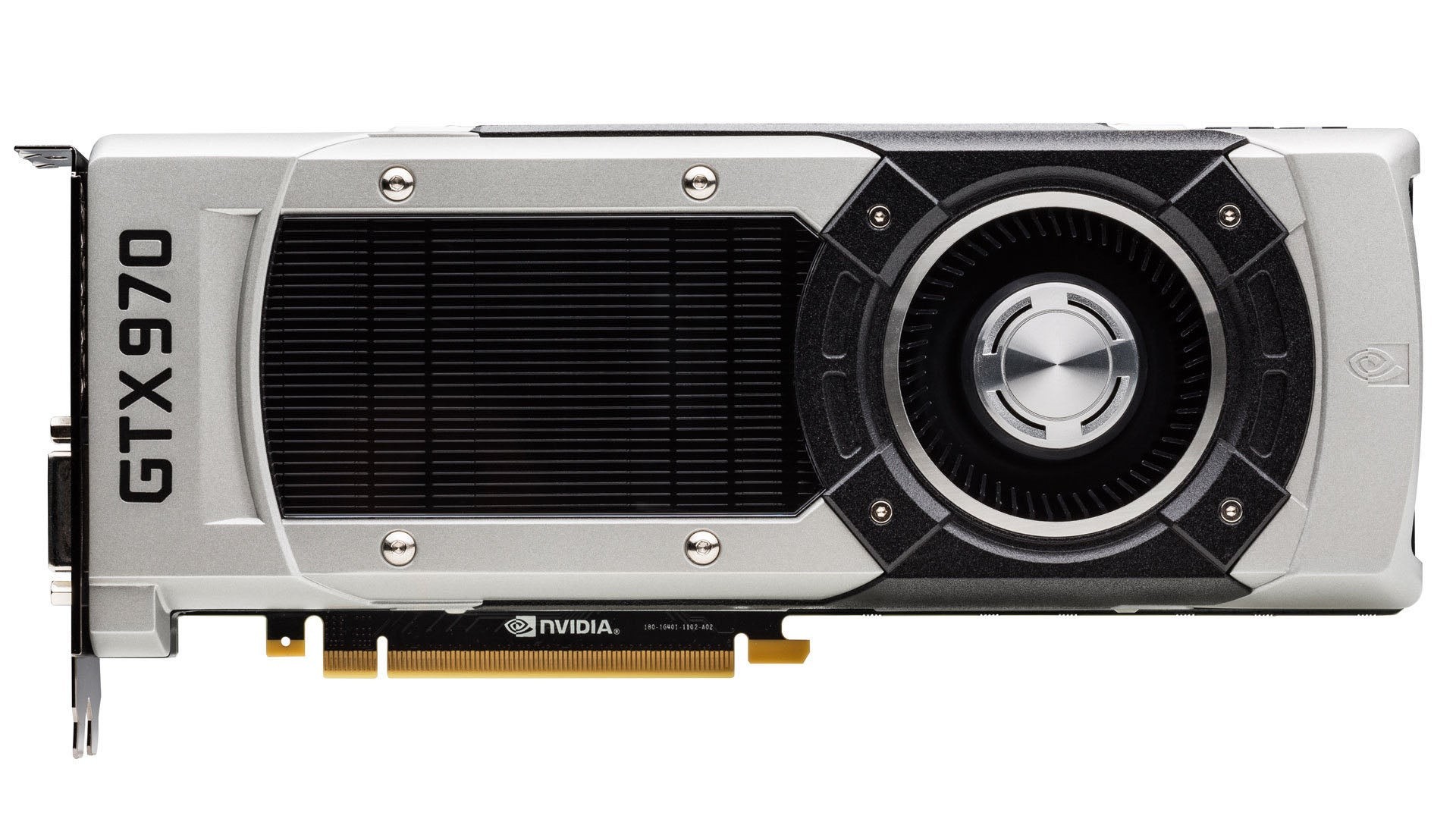
The Best £200 / $300+ Graphics Card for The Witcher 3: GTX 970 4GB
High-end PCs: recommended settings
It's possible to run all of the high-end GPUs tested here at console settings at 2560x1440, but achieving 60fps stability in the game's stress points could be quite challenging for anything lower than the GTX 980 (where HBAO+ and more high-level settings become viable). For the GTX 970, R9 290 and 290X, we recommend staying at 1080p and utilising the following settings:
Resolution: 1920x1080
Nvidia HairWorks: Off
Number of Background Characters: High
Shadow Quality: High
Terrain Quality: Ultra
Water Quality: Ultra
Grass Density: High
Texture Quality: Ultra
Foliage Visibility Range: High
Detail Level: High
Ambient Occlusion: HBAO+
All post-process effects on
These settings should be good for the Radeon R9 290X and 290. In all cases, if you're having stability issues, dropping down from HBAO+ to SSAO is an easy performance win, and keep an eye of foliage visibility range, shadows and grass density.
Once you move beyond the £200 price barrier, there are actually three tiers of performance - the Radeon R9 290, 290X and the GTX 970 occupy one level, while the GTX 980 and Titan X each offer more power at ever-increasing premium price-points. On a performance level, there's no doubt that the two top-end Nvidia cards are in a league of their own.
However, in terms of price vs performance, it's the GTX 970 that is our pick. It's faster than the AMD equivalents at a hardware level and the driver efficiency is better (once again, check out the latency spikes on the AMD cards in the second and third sequences in the benchmark run below). The GTX 970 is more expensive, but in common with the GTX 980, you get free copies of The Witcher 3 and Batman: Arkham Knight. Don't want them? Sell them and offset the cash against the cost of the GPU. Another plus point for Nvidia is support for SLI, the ability to run two or more cards in parallel. At the time of writing, there is no Witcher 3 CrossFire support for AMD products.
In our tests below we're benching at 1080p and 1440p, at a fully tricked-out ultra level - albeit with Nvidia's performance-sapping HairWorks disabled. CD Projekt Red has been working on improving performance of the tessellated fur and hair, but we still consider the hit too much to make it worthwhile when the whole game benefits so much from running at a higher frame-rate.
The developer deserves kudos for its GPU scalability - on many modern titles, we seem to reach a CPU, driver or API bottleneck going from the GTX 980 to the Titan X. It's as if graphics technology is accelerating at a breakneck pace and the rest of the PC's infrastructure isn't keeping up. However, The Witcher 3's scalability is impressive - we see a 28 per cent boost in performance at 1080p (an area where Titan X is typically highly under-utilised), rising to 33 per cent at 1440p.
With a single GPU, you really need to limit game performance at 4K to 30fps to stand any chance of achieving a consistent experience. Of the GPUs we tested, we required the GTX 980 to achieve 4K at console-level quality settings. With Titan X, we could inject more bling, while retaining a stable frame-rate. We used these settings:
Resolution: 3840x2160
Nvidia HairWorks: Off
Number of Background Characters: High
Shadow Quality: High
Terrain Quality: Ultra
Water Quality: Ultra
Grass Density: High
Texture Quality: Ultra
Foliage Visibility Range: High
Detail Level: Ultra
Ambient Occlusion: HBAO+
All post-process effects on
Click on the links above to buy these graphics cards from Amazon with free shipping.
The Witcher 3: Wild Hunt: tuning tips for best performance
CD Projekt Red's latest is built with the hardware balance of the current-gen consoles in mind: the CPU power required is relatively modest much of the time, with the developer really going to town in terms of graphics. The end result is impressive, allowing entry-level PCs to still hand in a decent experience (even with a mixture of low/medium settings), while higher-end systems benefit from a sliding scale of effects work.
Our advice in tuning the game is to forego the easy option of targeting the base low, medium, high or ultra level presets and instead start by using the console-level quality settings we've laid out, scaling up where you can. Aside from the resource hog that is HairWorks, foliage and shadow settings are where you'll see the biggest hit, so be careful on how you use them. Nvidia's HBAO+ is example of a clear visual upgrade over the console-standard SSAO, but it's heavy on resources - on the mainstream £150 cards, we saw a clear 5fps hit to performance.
We'd also recommend looking into the 30fps cap option. By limiting frame-rate, your CPU requirement goes down and there's more GPU processing time for more advanced visual effects. CDPR's 30fps cap isn't particularly impressive though, introducing frame-pacing issues. Our advice here is to use a 30fps limit in Riva Tuner Statistics Server (a part of MSI Afterburner), while GeForce GTX owners can also investigate invoking Nvidia's half-rate adaptive v-sync in the GPU control panel, a pretty fool-proof way of locking to 30fps on a 60Hz display, while enforcing strict frame-pacing.
The Witcher 3 is a demanding game on higher quality levels: it's actually fairly difficult to hit a sustained, locked 60fps on sub-£200 GPU hardware, and for those that aren't happy with judder or tearing may prefer to pile on the bling instead - or indeed try for a higher resolution. It's a struggle to hit a consistent 60fps on mainstream GPU hardware without sacrificing too much in the way of visual quality, but the beauty of PC gaming is that you've always got options.
Please note that some external links on this page are affiliate links, which means if you click them and make a purchase we may receive a small percentage of the sale. Please read our FTC Disclosure for more information.
Richard Leadbetter is the founder of Digital Foundry and a former Technology Editor for Eurogamer.net. He started work in the games business in 1990 on Computer and Video Games magazine, moving online in 2004 by launching Digital Foundry. The rest, as they sometimes say, is history.

 by
by 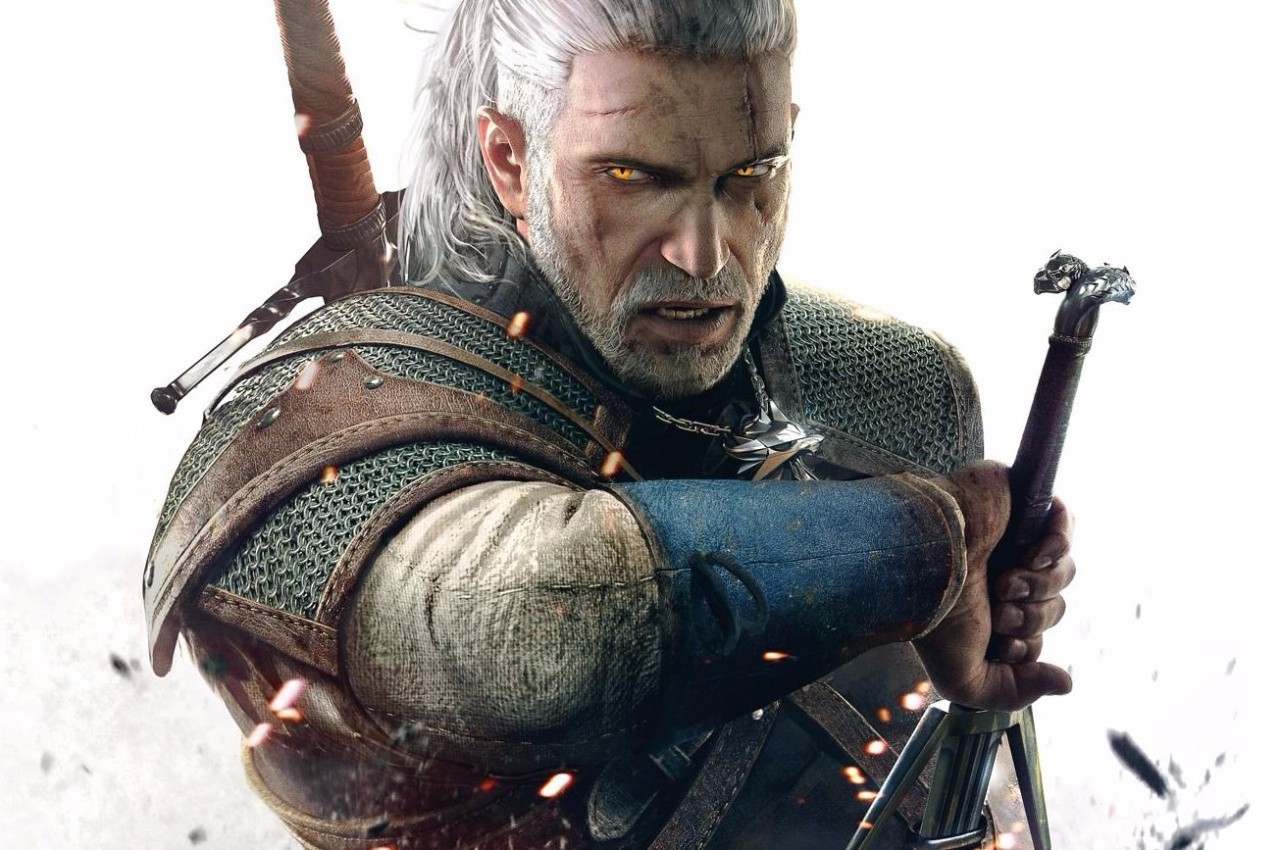



Comments 0
Wow, no comments yet... why not be the first?
Leave A Comment
Hold on there, you need to login to post a comment...