
 by
by ARC Raiders' late-October debut on PCs has already elicited a soundly positive response from users. The same Embark Studios team that brought epic geometry deformation to its Unreal Engine 5 shooter The Finals appears to have done it again, and positive first impressions of ARC Raiders come with the knowledge that this new online shooter skips common UE5 features like Lumen, Nanite and virtual shadow maps (VSMs).
Has that reduction in engine features really done the trick? What can we discern from deeper analysis of PC performance on a range of CPU and GPU configurations (including recommended settings)? And has Embark truly solved #StutterStruggle in its latest game?
Our latest deep dive examines hours of ARC Raiders testing on opposite ends of the performance spectrum. The good news is that this new game indeed scales its performance far better across CPU threads than most UE5-on-PC peers, with some of the cleanest frame-time charts we've seen in CPU-limited scenarios (especially with enforced frame-rate caps). Shader compilation stutter simply doesn't exist, while blips of apparent traversal stutter are managed quite well.
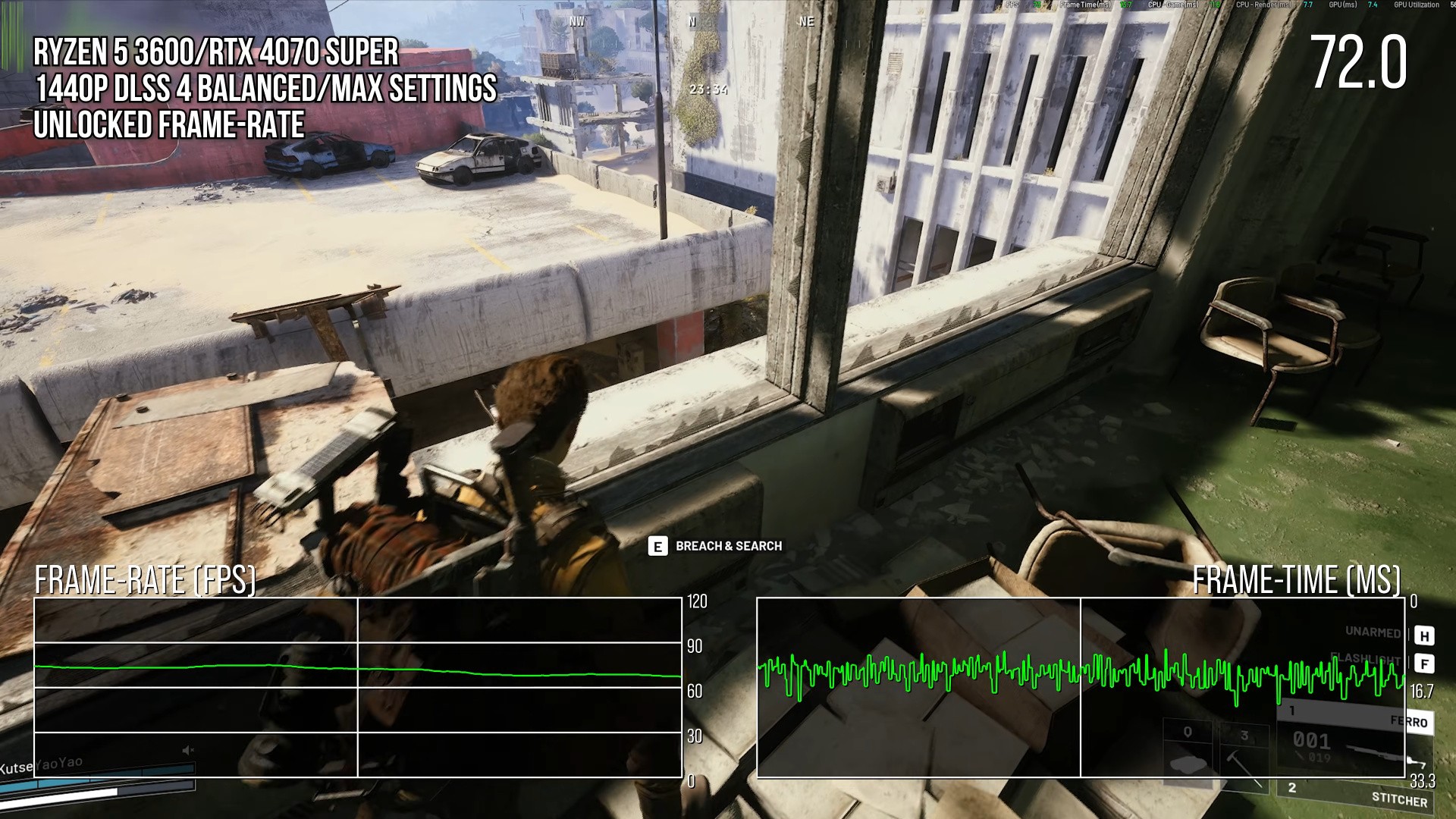
However, Unreal Engine 5's other pain point, traversal stutter, still manifests and it does so in two different ways. First of all, when CPU-limited, there can still be noticeable hitches as you move around the environments. Using a frame-rate cap eliminates the stop-start stuttering effect, replacing it with another artefact: animation stutter. Frame-times are clean as expected, but traversal issues manifest differently, in the form of a jump in the fluidity of camera and character movement on-screen.
When switching testing to GPU-limited scenarios, which push increased native pixels and even higher visual settings, ARC Raiders nearly triples frame-rate performance compared to recent UE5 release The Outer Worlds 2. We do this knowing full well this is an apples-and-CUDAs comparison, because ARC Raiders skips the UE5 trifecta of Nanite, Lumen global illumination (GI)/reflections and VSMs, and it suffers visually as a result.
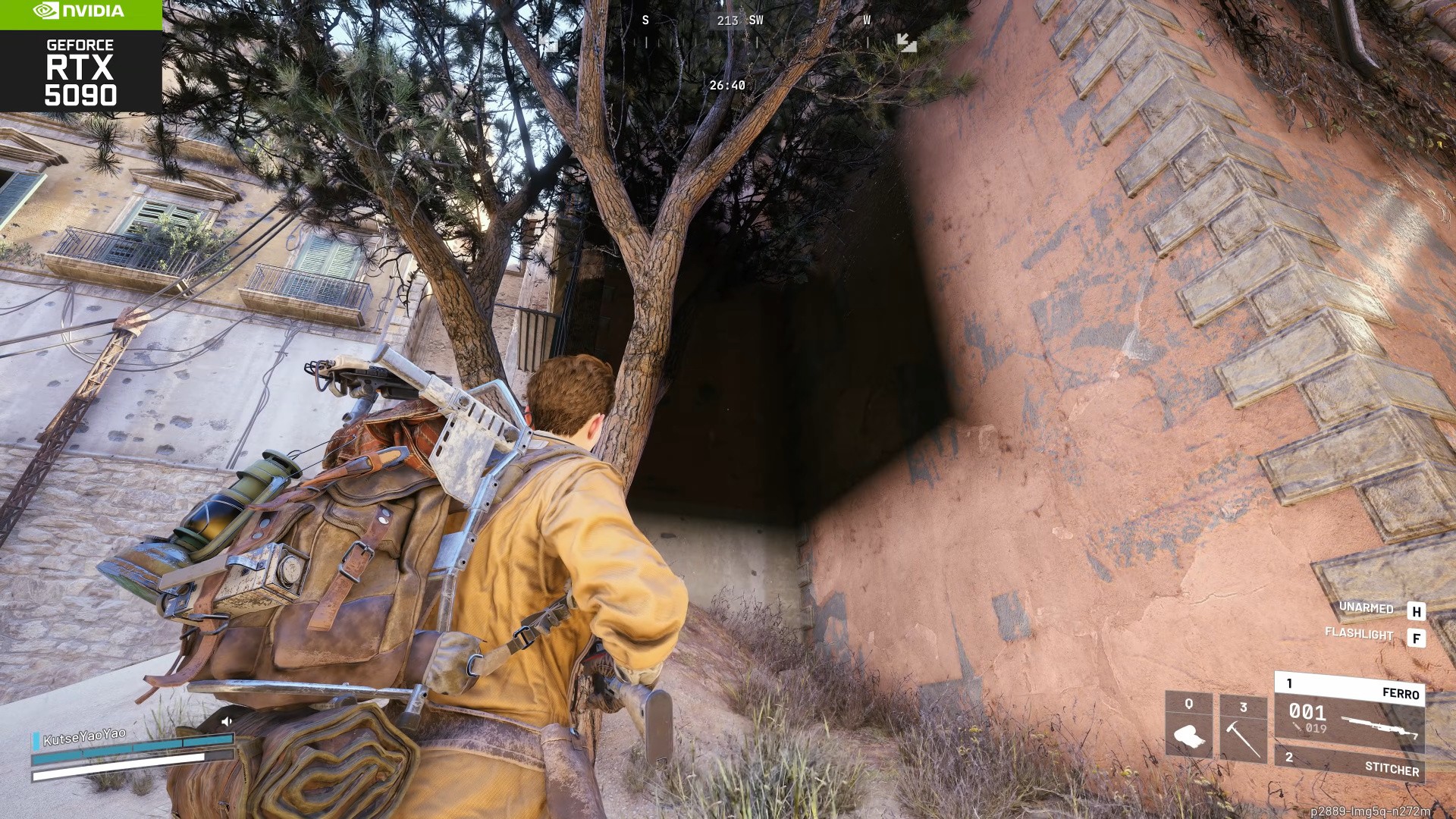
Shadows are a pain point, as many objects do not cast them at all, and maximum shadow cast resolution is quite low. Cascading and detail-scaling issues plague shadows through the game's open world, as well. Additionally, the game's probe-based RTXGI doesn't have the smearing seen in some UE5 Lumen implementations on PC, but Embark's alternative is prone to bounce-lighting errors, screen-space ambient occlusion (SSAO) mishaps and light leaks. And with so many metallic surfaces and pools of water, we're bummed to see a dated-looking screen-space reflection (SSR) system that relies on poor cube maps.
So, that's a clear trade-off: lacking lighting and shadow systems to reach a performant state on a wide range of PCs. For ARC Raiders' online-connected extraction combat, that's probably the right call, and having been mostly designed around this technical decision, the fidelity, assets and open-world splendour do combine to look great on a range of PCs. Still, we're left wishing the game included optional, future-proofed flags to enable higher-quality UE5 settings, particularly a per-pixel GI solution that might resolve the game's existing and seemingly addressable flaws. (Hide those under an "insane" toggle with a warning, of course; we're not trying to lose the great performance default we're enjoying in ARC Raiders so far.)
As such, optimised settings hinge primarily on two toggles: "dynamic RTXGI" and "GI resolution." When we dropped each from ultra to high, we clawed back a combined 24 percent boost in performance and saw little discernible difference. That's it: no elaborate table of optimised settings required. Focus on those, pick your system's ideal resolution and super-sampling preset, and you're good to go.


Comments 2
I'm finding that playing with a squad is increasing the camera/animation errors/hitching frequency compared to solo play... Has anyone else found this?
@SnorkelBandit I haven't really noticed a significant difference between solo and squad play as far that's concerned.
Show Comments
Leave A Comment
Hold on there, you need to login to post a comment...