
 by
by 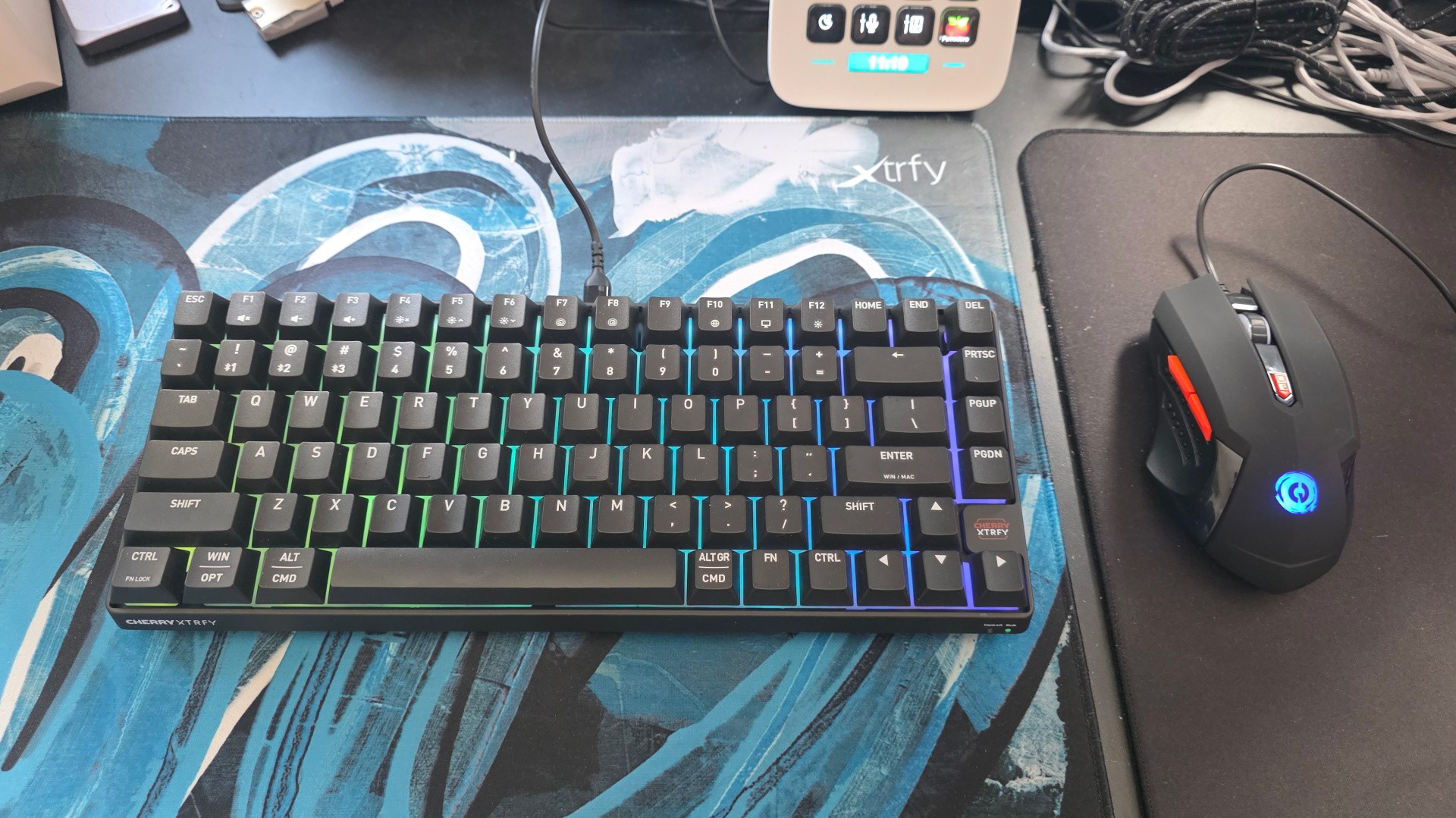
I'm extremely lucky to have worked in a career where I get regular shipments of fancy PC peripherals, from high-end headsets to mechanical keyboards and ultra-light mice. I often write that the budget market has moved on hugely in the past decade, as advanced tech trickles down to more affordable price points, but is that really true?
To find out, I've been using a £35 mouse and a £10 mouse for the past week for work and play, and it's been a bit of a journey. These peripherals, made by mechanical keyboard progenitors Cherry and budget outfit Canyon Gaming respectively, have absolutely done the job - at times better than I'd expected - but there have also been a fair few things that I now see as a bare minimum for peripheral recommendations going forward.
Let's start with the keyboard. With an RRP of £50, the Cherry K33 Compact Wireless is actually not the cheapest keyboard I've ever used - I once reviewed a £23 mechanical keyboard for Eurogamer! - but is still aggressively priced at £35 for its feature set, with a compact layout more common to mechanical keyboards, RGB backlighting and tri-mode (2.4GHz wireless, Bluetooth and USB-C wired) connectivity. All three elements were relatively rare on budget keyboards 20 years ago, with even high-end mechanical keyboards normally being limited to a fixed USB cable, and wireless commanding a premium in the office space.
How expensive is your current keyboard? (34 votes)
- £20/$25 or less
- £21/$25 to £40/$50
- £41/$50 to £80/$100
- £81/$101 to £120/$150
- £121/$151 or more
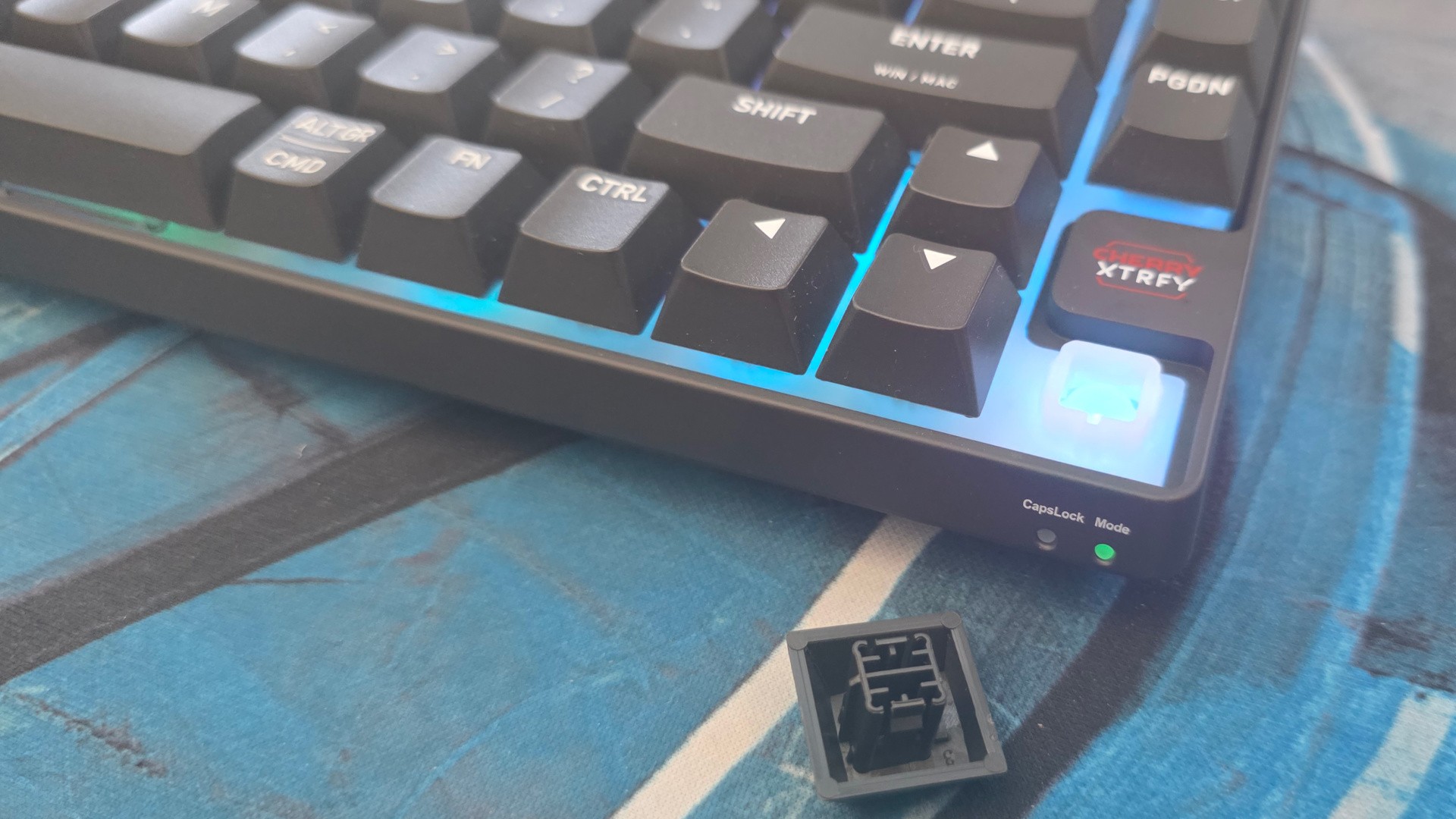
The K33 uses rubber dome or membrane keys, meaning a plastic keycap is pushed directly onto a squishy rubber mat to register a key press, like a TV remote. This is meant to be quieter than a standard mechanical keyboard, but the 'mem-chanical' hybrid switches used here squeak when the stabilised keys like the space bar are pressed down, somewhat ruining the effect.
Given that the typing action is nowhere near a real mechanical keyboard, I don't really see this as an advantage over a dead-basic membrane design - and, unlike some hybrids, there's no traditional MX-style cross-stem to allow you to replace the keycaps down the line. This would have been a nice value add, given that the default ABS caps don't allow the RGB light beneath to shine through, even if it wouldn't allow for the full level of customisation and repairability common to mechanical keyboards.
The rest of the keyboard is actually fine. The compact layout is smartly designed, with a strong, low-profile plastic frame encircling the chassis, the Cherry Xtrfy branding is tasteful and the USB-C port is even sealed by default with a little rubber stopper. The connection mode switch is a little sticky, but it does allow easy access to BT, 2.4GHz and cable modes without having to remember arcane key combinations.
Overall, the K33 is a perfectly decent keyboard to use for rapid typing and non-competitive gaming, though it's painful to use a keyboard where many three-button combinations can't be pressed simultaneously (eg W for forwards, A for left and G for grenade - not exactly an unusual one for FPS titles).
How expensive is your current mouse? (18 votes)
- £20/$25 or less
- £21/$25 to £40/$50
- £41/$50 to £80/$100
- £81/$101 to £120/$150 0%
- £121/$151 or more
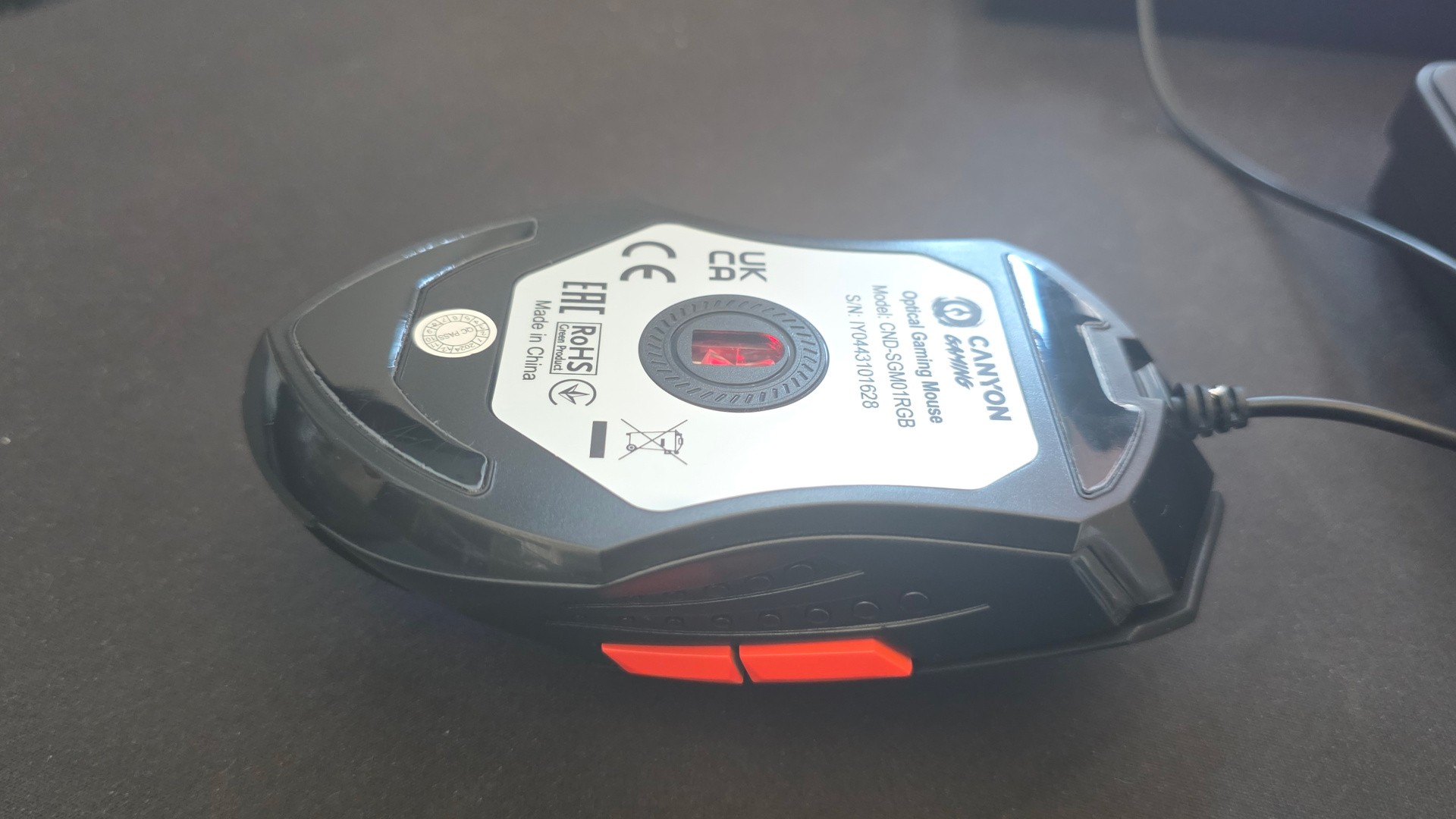
The Canyon Gaming Star Raider is more unabashedly budget, with a £13 price point on Amazon and a presence in British stationary stores. The design is straight out of 2006, with a long and wide shape, a soft touch coating on top that is sure to turn sticky over the years and a printed plastic thumb grip which features a kind of bottom-of-Lego dotted pattern. The real kicker for me though was the cable, which was tightly bound in the box and was still visibly kinked after a week of patient straightening. It's rare to even see braided cables for mice these days, with the rise of more flexible "shoelace" cables, so this Bush-era plain plastic cable felt like quite a throwback - and annoyed me every time I needed to disentangle it from the nearby scenery.
Thankfully, the rest of the mouse was a little more visually modern. The left and right mouse microswitches worked well, despite sounding a little different to each other, the side buttons were inoffensive and the scroll wheel worked reliably, despite being a little spongy to press. The Star Raider uses a Pixart 3168 optical sensor (ca. 2020), and though restrained to 3200 DPI and 1000Hz polling, it's still perfectly usable in 2026 and doesn't meaningfully differ from much more expensive sensors. The only downsides here are that the sensor is surprisingly bright - I can't remember the last time I hurt my eyes from looking into a mouse sensor, or saw one that could shine a hand-sized light across the width of a keyboard - and there's no PTFE ring around the mouse sensor, just a textured plastic one, so the mouse feels like it's dragging as it's moved around.
Still, if I was on a laptop with a touchpad, I'd still much rather have the Star Raider for gaming, so it can't be that bad.
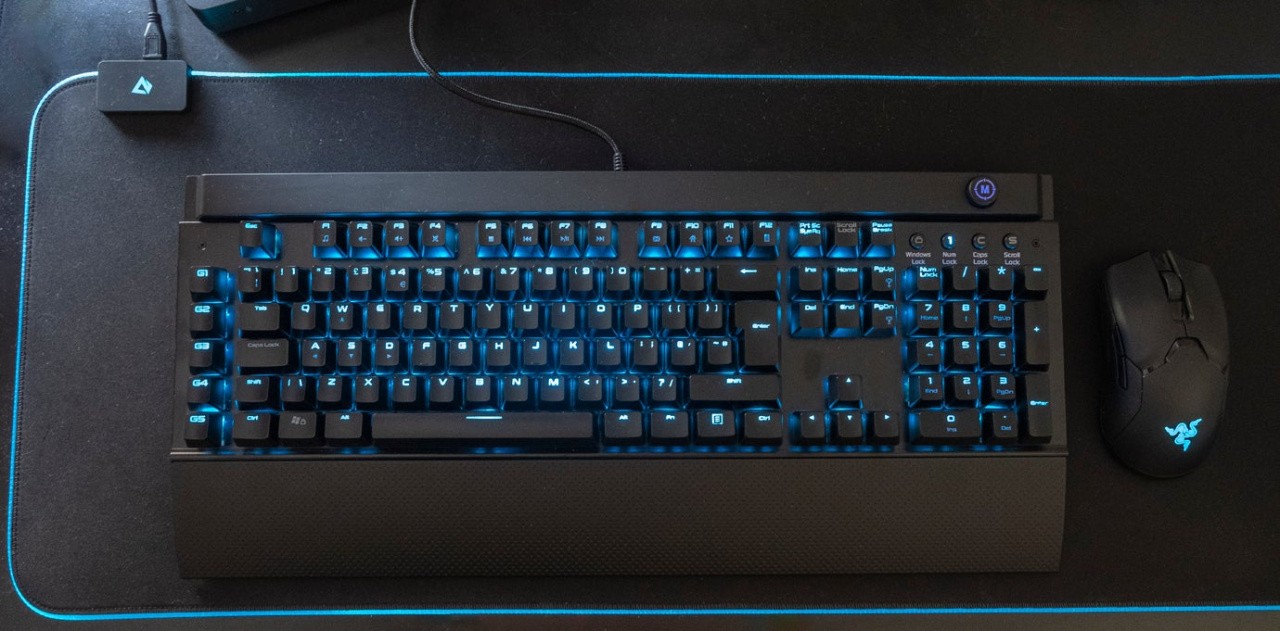
Going forward, I think I've developed some new standards for a "minimum viable peripheral" when it comes to mice and keyboards - the features that should be considered the bare essentials for gaming in the year of our lord 2026.
For keyboards, given how cheap (and good!) mechanicals are, I can't honestly recommend a hybrid membrane keyboard that combines the annoying loudness of mechanicals with the poor repairability, key feel and customisation of membranes. If you want something quiet, get a pure membrane keyboard or a sound-dampened mechanical, the latter of which are getting cheaper and better all the time, or get a simple mechanical keyboard and add your own sound-dampening materials later. There are plenty of options under £35 that can be upgraded over time to look and sound great.
On the mouse side of things, I can overlook a lot, but an optical sensor, adequate skates and a flexible cable ought to be a given for a gaming product. Again, there are tons of decent $20/£15 options that go on sale for less, so satisfying these basic elements doesn't feel like too much to ask for the price.
What are your bare minimum requirements for keyboards and mice? Have you ever been back to a budget offering after using something higher-end? I'd be curious to hear your thoughts in the comments below.