
 by
by 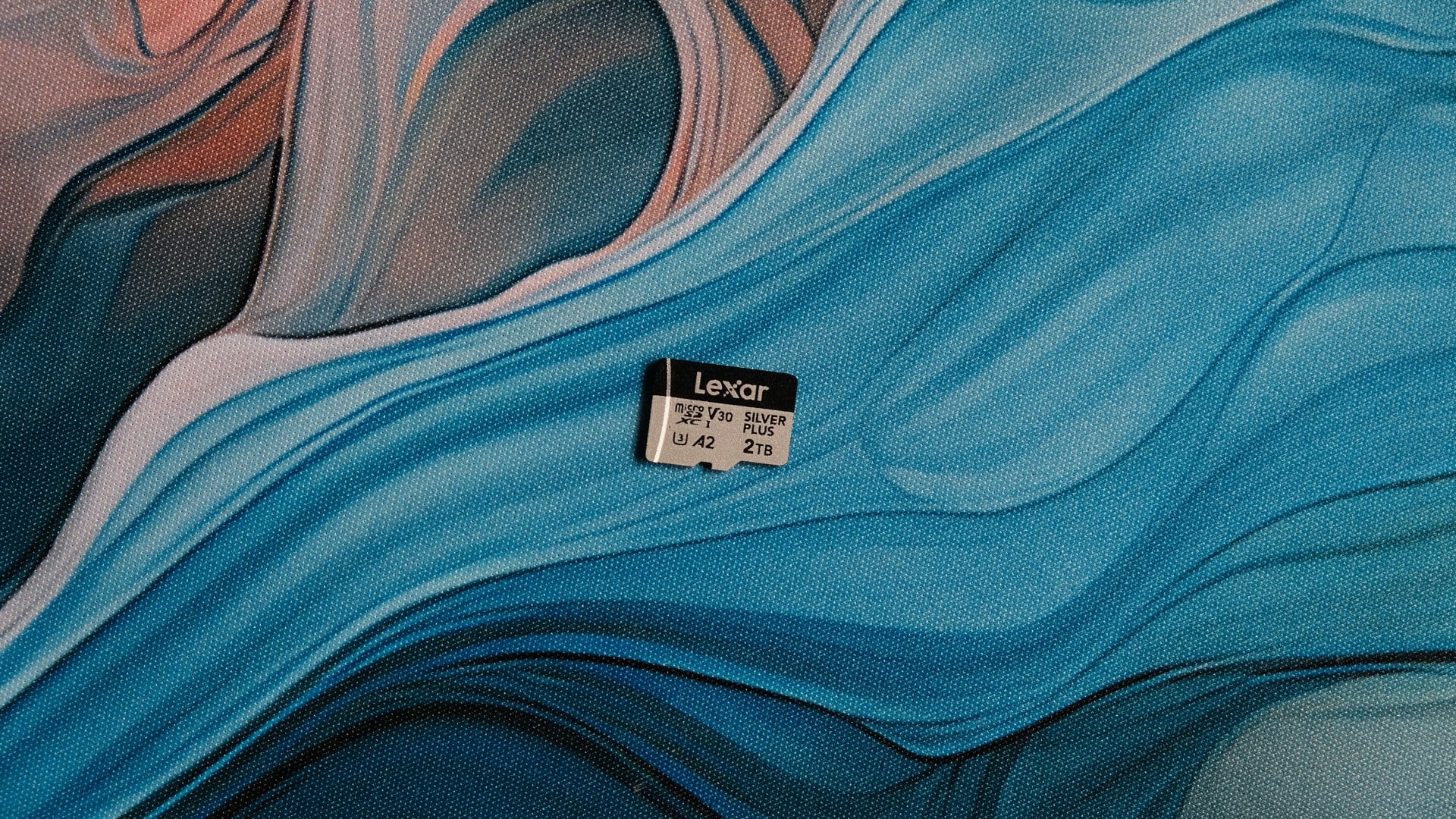
While compact 2230 NVMe SSDs offer the best upgrade path for PC handhelds like the Steam Deck or ROG Xbox Ally X thanks to their high speeds, high-capacity SD cards can be a good value alternative that are significantly easier to install and usable in a wider range of devices. With that in mind, we're testing one of the first 2TB Micro SD cards to hit the market, the Lexar 2TB Silver Plus.
This is the Chinese brand's high-performance, mid-range option, and offers fairly competitive speeds with up to 250MB/s reads and 180MB/s sequential writes. Of course, this is Digital Foundry, so while we'll hit up a few synthetic benchmarks, we'll be most interested in gaming and gaming-adjacent tests on the ROG Xbox Ally X, like game load times and file copy times.
Before we get into those results, let's take a quick tour around the card and its packaging. The memory card arrives in a relatively huge cardboard carrier, which can be torn open to reveal a smaller plastic insert and the Micro SD card itself alongside a Micro SD to full-size SD adapter.
CrystalDiskMark provides a good opportunity to get a sense of the raw speed delta between the internal SSD of the ROG Xbox Ally X, which manages around 5000MB/s at full tilt, and the Lexar Micro SD card, which tops out at around 185MB/s in the test. The Lexar 2TB speeds are fast for a memory card of this class, but the SSD understandably provides an order of magnitude better performance.
The first thing you'll need to do when using a Micro SD card with a gaming handheld is actually transfer some games across, so let's start with that. Creating a new library is easy enough in the desktop version of Steam - the Big Picture Mode annoyingly doesn't seem to offer this as an option - and, once created, you can visit the properties of any Steam game to move it between libraries. Prior to 2017, moving Steam installations was a much more manual process, so this being baked into the application now is nice.
Actually moving a modern AAA game to a memory card does take some time, though. It'll depend on how that game organises its data, with large numbers of small files taking longer than a smaller number of very large files. For Path of Exile 2, which clocks in just over 128GB, we saw speeds of around 69MB/s for that initial move to the Micro SD card - a 32-minute wait - or about 40 percent faster if you're going Micro SD to SSD.
At that speed, it would take around eight hours to fully fill the drive, although realistically you're unlikely to need to do that job all in one go - and if you did, you could leave it running overnight. Still, it's a speed that's more similar to mechanical HDDs than it is even a SATA SSD, which ought to sustain around 500MB/s in the same scenario.
Next, I wanted to test game load times, so I bought Red Dead Redemption 2, played through the first chapter until the open world begins, and closed the game at the beginning of chapter two. Starting the game fresh, it took exactly 37 seconds to move from the main menu to the game flashing to life in Horseshoe Overlook. I then quit the game, moved the files to a new Steam library on the Micro SD card, and redid the test. It took exactly the same amount of time, 37 seconds. There was no appreciable difference to the desktop to main menu load times either, which took 68 seconds in both cases.
Interestingly, I didn't see any differences to performance either. Loading up the integrated benchmark returned margin-of-error 44 and 46fps averages, with the Micro SD run actually outperforming the SSD one. I also didn't encounter any noticeable stutters or other issues traversing the terrain on horseback or by train, though it's likely that the relatively modest CPU/GPU power here is the limiting factor when it comes to streaming in new data.
It was a similar story with Doom: The Dark Ages - though I did have to reformat the Micro SD card from exFAT to NTFS to use it with the Xbox app, which feels like a bit of unnecessary friction. Here, I got 54.58fps on default handheld settings in the Hebeth benchmark, and 54.15fps with the game copied to the Micro SD card. Playing through the levels, performance remained stable throughout too.
Ultimately then, I'd say that this testing proves out the Micro SD card use case. You'll certainly be spending more time waiting for game transfers to finish than you would with an attached external SSD, for instance, but the actual in-game experience is surprisingly smooth, mirroring testing we did with the original Switch back in the day.


Comments 2
Interesting stuff. I didn't get round to replacing the SSD in my 64GB Deck (laziness: once I'd installed games and set it up the way I liked I couldn't be bothered starting over) and have muddled through with microSD instead. Always wondered if I was suffering much performance loss because of it.
Interesting findings! I have no doubt that game performance is unlikely to differ. What about loading/stuttering on more modern streaming heavy games like say Forza Horizon 6 or Ratchet & Clank? I would love to see more load time comparisons between the internal SSD and a Micro SD. My own experience with Micro SD vs SSD on my Steam Deck and Legion Go are that loading times are slower from Micro SD... but I haven't taken out a stopwatch to measure properly
Show Comments
Leave A Comment
Hold on there, you need to login to post a comment...