
 by
by 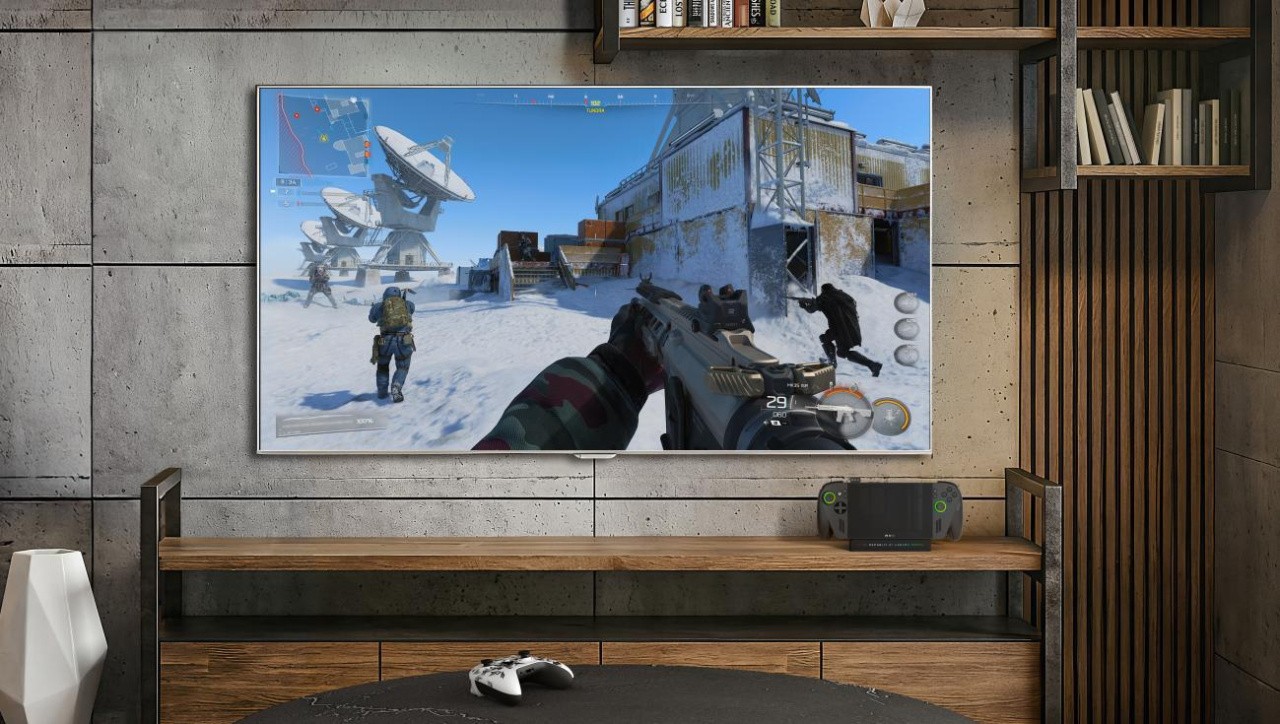
Auto Super Resolution, Microsoft's screen-space AI upscaler, is finally coming to the ROG Xbox Ally X after debuting for Snapdragon Copilot+ laptops nearly two years ago. Back then, we found Auto SR a surprisingly capable upscaler, especially given that it doesn't have access to the extra game data that the most recent versions of DLSS, FSR and XeSS have to fine-tune their predictions.
While Auto SR and other driver-level super resolution techniques can't match game-integrated upscalers for quality, it's still a viable way to boost image quality at a given frame-rate. More importantly, it can work on any game as it doesn't require any work by game developers. Auto SR ought to outperform the likes of competitors like Radeon Super Resolution too, as by running on the NPU instead of the GPU, it can spend the whole frame on its calculations rather than needing to finish within a one or two millisecond window. As it's a screen-space filter though, it's added on at the end of the pipeline and adds latency.
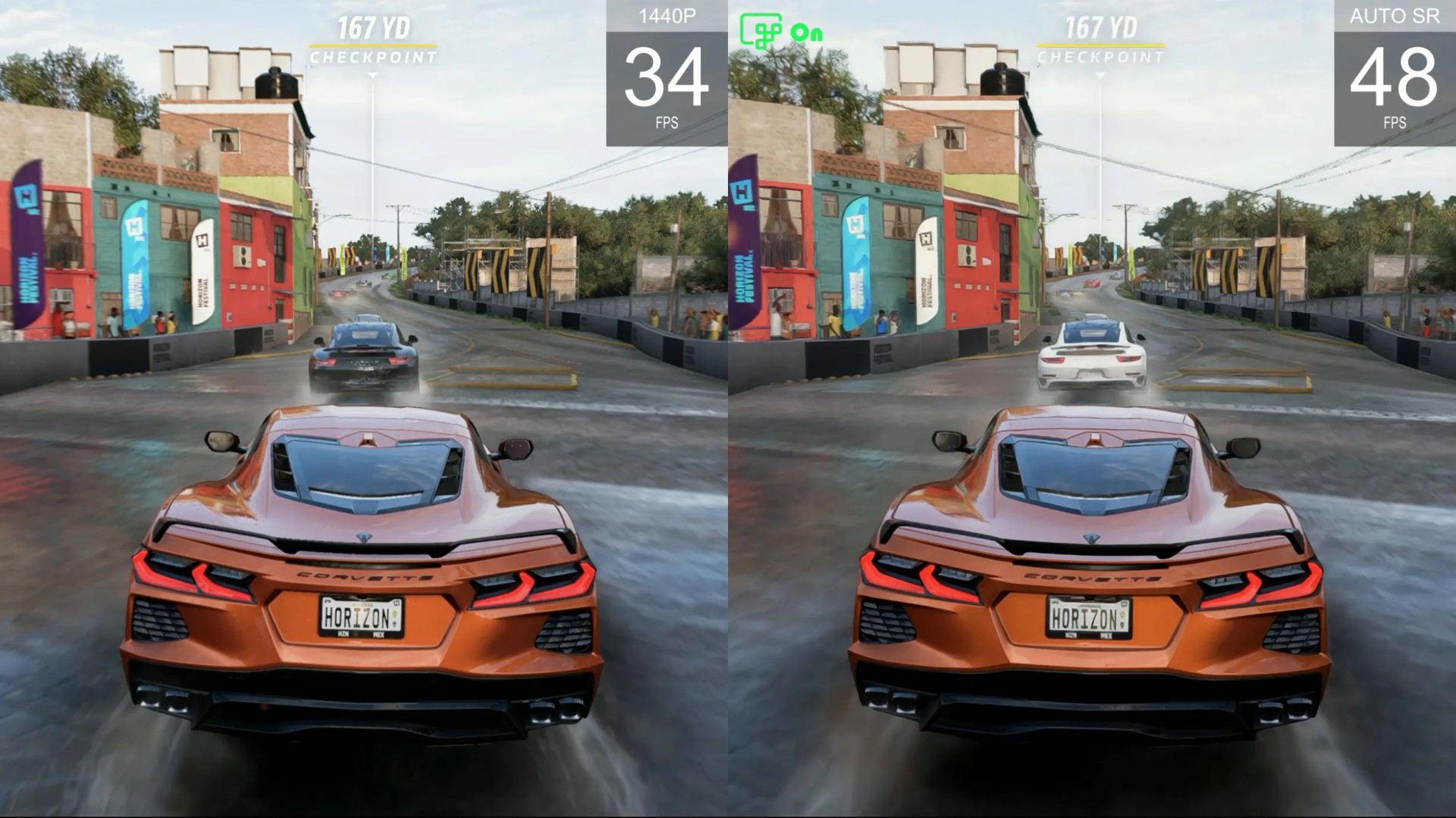
Given that the Xbox Ally X is generally capable of resolving a 1080p image to suit its native screen resolution, Microsoft are deploying Auto SR in docked mode specifically, where a 4K output is a much more difficult task for the system to achieve. Microsoft describes the Auto SR as offering "1440p-like" visuals in this use case while producing frame-rate numbers similar to a 720p native presentation.
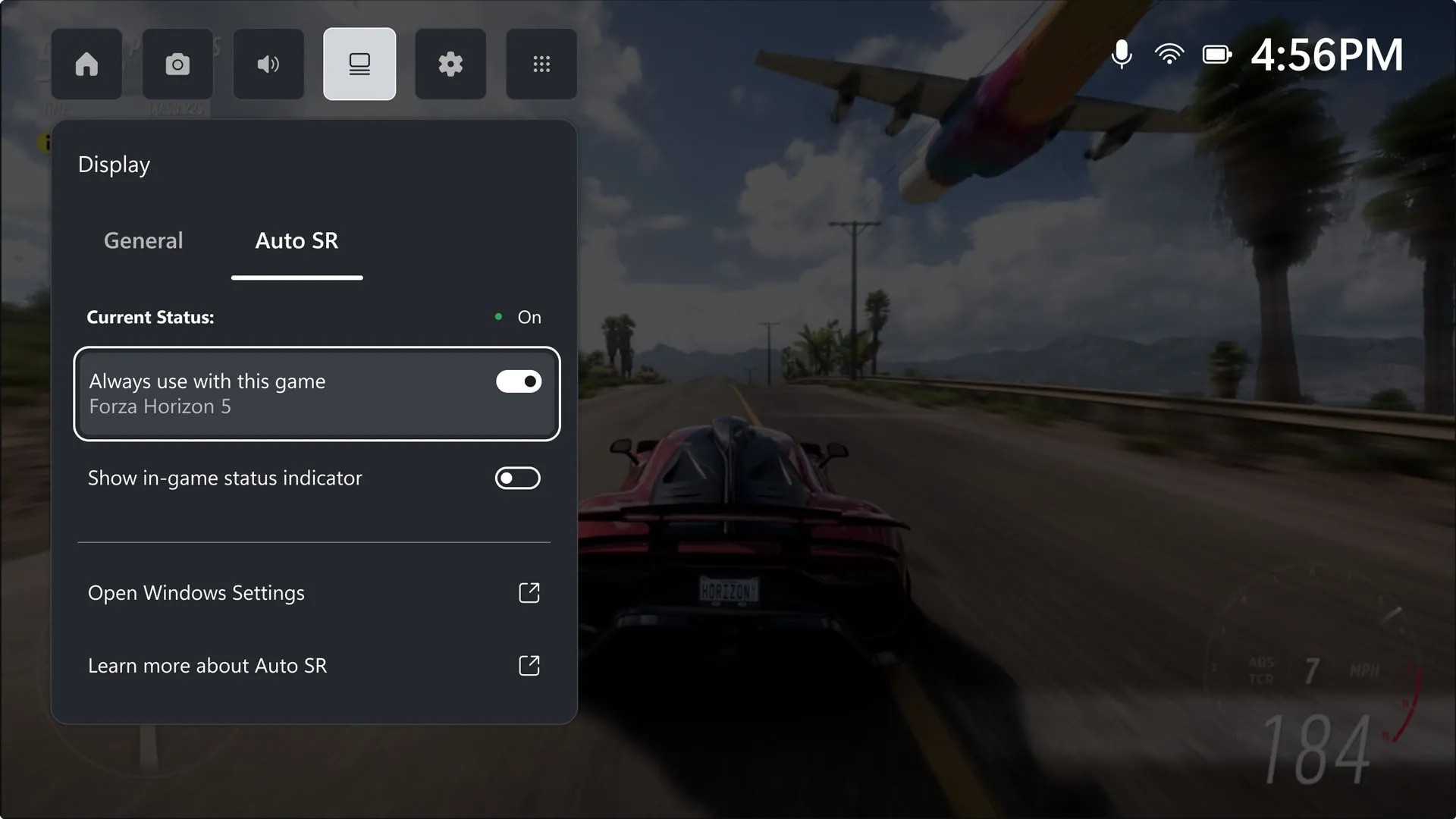
The Auto SR update will be available to Xbox Insiders initially, with the feature rolling out to this opt-in group on April 30th - that's today! Once the update is installed, you'll be able to see a new Auto SR tab in the Game Bar which shows when it's enabled, whether an indicator is shown in-game, and a link to the settings menu. Microsoft's blog gives full details for making sure Auto SR is available.
The same Xbox Ally X update also includes other docked mode improvements and more general enhancements, including:
- TV becomes the default output when docked
- HDR, ALLM and VRR will be engaged on supported TVs/docks
- Console-style display settings Game Bar widget
- Docked Ally consoles have their integrated controls disabled, and default input switches to a paired Xbox controller
- Gamepad Cursor feature for navigating launchers, the desktop and other mouse-only areas (coming to all PCs via a Game Bar update)
- Library customisation improvements (add, remove, edit and launch games from all launchers in the Xbox library; add custom games and apps)
- Enhanced vibration (haptic rumble improvements)
- Super wideband stereo voice for Xbox Wireless Headset and other Bluetooth LE audio devices
While it's great to see this feature see wider adoption, the vanilla ROG Xbox Ally uses a different chipset without an NPU, and therefore won't be able to run Auto SR in the future.
I'll be trying out the new features when they hit my Xbox Ally X, and I'm curious to hear your feedback in the comments below too.